
Argentina eSIM Guide
Argentina eSIM Guide: Best Options for Buenos Aires, Mendoza, Patagonia & Remote Work
Choose an eSIM that matches your itinerary: Buenos Aires urban coverage differs markedly from long Patagonia routes — plan for offline fallbacks and check hotspot rules before you travel.
Quick take: Best: buy a Claro/Movistar-backed eSIM for city reliability; bring a local physical SIM or download offline maps for Patagonia. Confirm tethering rules — resellers often limit hotspot use.

Performance
Performance & Coverage Notes
Buenos Aires (Ezeiza, Palermo, Microcentro) has the strongest 4G; 5G is live in pockets. Claro and Movistar report the broadest city coverage.
Long highways and mountain passes often drop to no signal. Towns (El Calafate, El Chaltén, Ushuaia) have cellular service but with frequent dead zones between them.
Mendoza city and wine-valley day routes have reliable 4G; side valleys and high-altitude access roads may fall back to 3G or none.
For 30–90 day stays choose longer-validity plans with explicit hotspot allowance. MNO-backed eSIMs are less likely to enforce strict tethering blocks than some resellers.
Essentials
Which eSIM should I buy for Argentina?
If your trip is city‑focused (Buenos Aires, Córdoba, Rosario, Puerto Iguazú) a Claro or Movistar-backed eSIM will give the cleanest LTE experience and occasional 5G. For Patagonia road trips expect patchy coverage; consider a small local prepaid SIM as backup.
Global resellers (Airalo, Holafly, Nomad, GigSky, Truphone, Ubigi) sell convenience — instant activation and multi-country bundles — but check which local MNO they route through and their hotspot policy.
Operator routing matters
Many global sellers route on Claro or Movistar. If you need consistent local coverage, pick a plan that names the MNO.
Buy in advance vs in-country
Buy in advance for convenience; buy in-country if you want lower local rates or a physical SIM for emergency voice/data.
Activation
How to activate an Argentina eSIM
Most vendors deliver a QR code and simple on‑screen instructions. Scan the QR, set the eSIM as data in Settings and confirm the APN if data fails. Some carriers require manual APN entries for tethering to work.
iOS and modern Android phones handle eSIMs well but confirm your device is unlocked and supports multiple eSIM profiles if you plan to keep a physical SIM active.
Quick activation checklist
Scan QR, enable eSIM data, test a web page, toggle airplane mode to force registration if needed.
APN & manual steps
If mobile data doesn't connect, check vendor docs for the correct APN; manual APN fixes are common with reseller profiles.
Hotspot rules
Tethering & fair‑use: what travelers need to know
Local operators (Claro, Movistar, Personal) generally permit hotspot on prepaid and postpaid plans, but commercial reseller plans may explicitly disallow hotspot or implement speed caps for tethering. Always read the plan T&Cs before purchase.
If you rely on hotspot for remote work, choose plans that explicitly state hotspot is allowed and prefer MNO-branded or MNO‑routed eSIMs. Test tethering on arrival to avoid surprises.
Test tethering on arrival
Run a quick file download or video call over hotspot to confirm speed and stability before locking in client calls.
Fair‑use limits
Some unlimited plans use fair‑use clauses or deprioritization during congestion — speeds may be slower during peak hours.
Practical plans
Best setups by traveler intent
Short tourist (7–14 days): small GB bundles or 7–15 day packs from resellers or local prepaid top-ups work well for city-focused trips.
Patagonia road-trip: buy a local physical SIM on arrival as a backup; carry offline maps and consider a compact external battery and car charger.
Remote worker (30–90 days): purchase 30–90 day eSIMs with 20–100GB and explicit hotspot allowance, or top up an MNO prepaid plan in-country.
Buenos Aires short trip
Pick a 5–15GB 7–15 day plan from a Claro/Movistar-backed provider for city use and airport pickups.
Patagonia road-trip kit
Combine an eSIM for towns with a low-cost local SIM as emergency backup and always carry offline navigation.
Comparison
Local MNO vs Global eSIM reseller — tradeoffs
| Local MNO (Claro / Movistar / Personal) | Global reseller (Airalo, Holafly, Nomad, etc.) |
|---|---|
| Price — local prepaid rates, often cheaper per GB in‑country | Price — usually higher per GB but convenient pre‑purchase bundles |
| Coverage — named MNO routing gives predictable coverage maps | Coverage — depends on which MNO the seller uses; some are multi‑operator |
| Hotspot — typically allowed on prepaid/postpaid; check plan details | Hotspot — many plans restrict or throttle tethering; read T&Cs |
| 5G — available in select cities via MNO rollouts | 5G — only if reseller routes to an MNO with 5G in region |
| Top‑up — can top up in‑country or at carrier sites | Top‑up — limited; many reseller bundles are one‑shot without local recharge |
Pro tips
Practical tips for Argentina eSIMs
Check which Argentine MNO the eSIM routes through — that predicts coverage more than the vendor name.
If tethering is critical for work, buy a plan that explicitly allows hotspot and test immediately after arrival.
For Patagonia drives, assume long stretches with zero signal — download offline maps and carry a physical SIM as a backup.
5G is limited to Buenos Aires and a few urban areas; outside cities expect 4G or 3G.
Keep your physical SIM enabled for calls or two‑factor auth if you use eSIM for data only.
Confirm refund and cancellation policy before purchase — many reseller plans are non‑refundable after activation.
If you need voice/SMS, check whether the plan is data‑only or includes a virtual number.
Always try a tethering test and a speed/latency check before relying on the connection for meetings.
Live picks
Top packages to consider
Saily
Argentina 1GB 7 days
Hidden caveat: Local number. SIMs include a local number but registration is mandatory and tied to your ID; unregistered SIMs risk deactivation.
Saily
Argentina 3GB 30 days
Hidden caveat: Local number. SIMs include a local number but registration is mandatory and tied to your ID; unregistered SIMs risk deactivation.
Saily
Argentina 5GB 30 days
Hidden caveat: Local number. SIMs include a local number but registration is mandatory and tied to your ID; unregistered SIMs risk deactivation.
Saily
Argentina 10GB 30 days
Hidden caveat: Local number. SIMs include a local number but registration is mandatory and tied to your ID; unregistered SIMs risk deactivation.
Saily
Argentina 20GB 30 days
Hidden caveat: Local number. SIMs include a local number but registration is mandatory and tied to your ID; unregistered SIMs risk deactivation.
Explore more
Compare live Argentina eSIMs
Start with Claro/Movistar-backed plans for cities and choose longer validity plans with hotspot allowance for remote work. For Patagonia add a local physical SIM or offline fallback.
Related guides
More Argentina reading

Argentina eSIM for Road Trips: Buenos Aires, Patagonia, Iguazú & Mendoza — Claro vs Movistar vs Personal and Top eSIM Providers
A traveler-first eSIM guide for Argentina: which networks cover Buenos Aires, Mendoza, Patagonia and Iguazú, how tethering behaves, and whether to buy before you arrive.
Open guide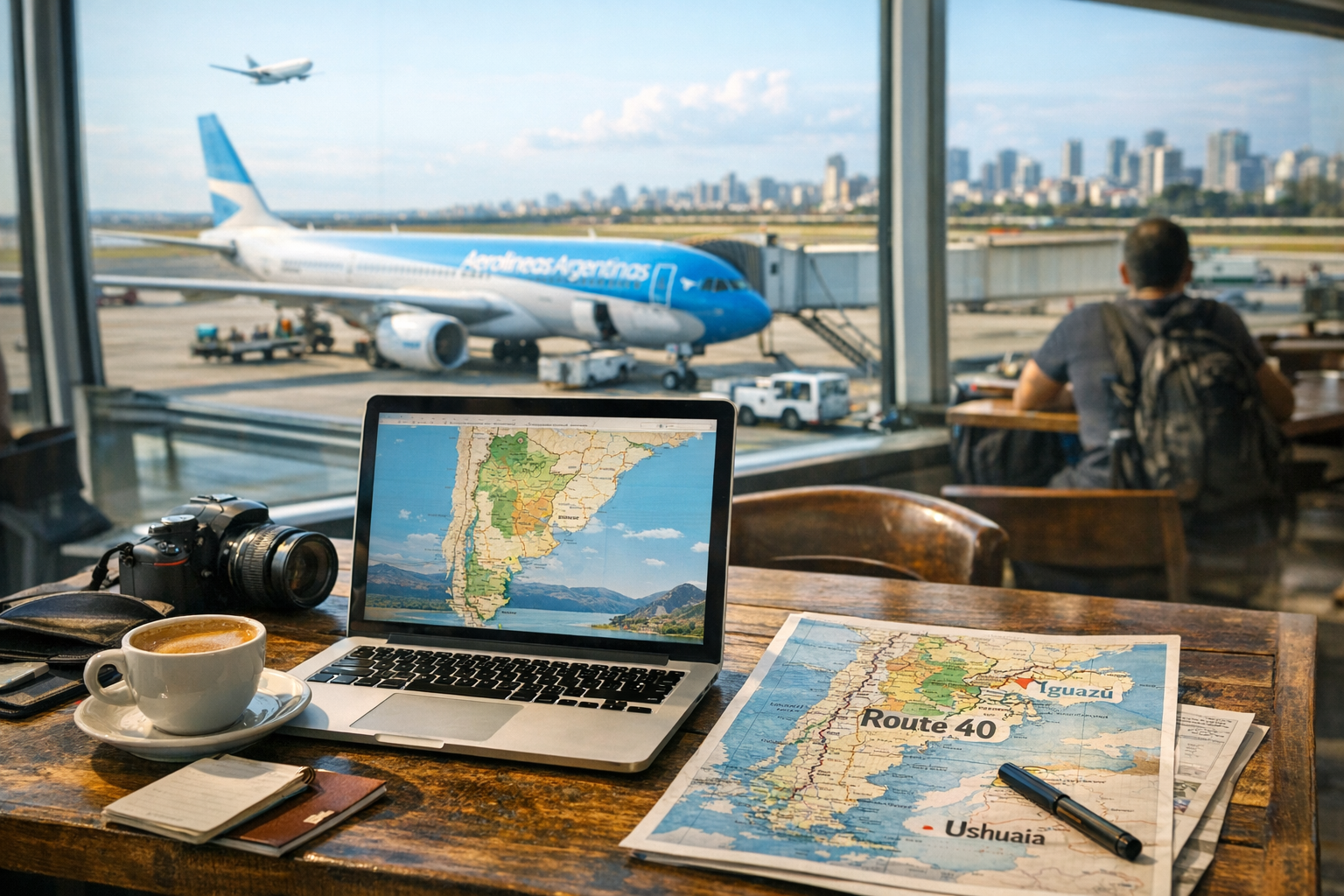
Best eSIM for Argentina: Buenos Aires, Patagonia & Iguazú — Compare Movistar, Claro, Personal and Airalo
Short, practical guide to choosing an eSIM for Argentina — covers urban coverage, Patagonia gaps, hotspot rules and activation tips for Movistar, Claro, Personal and top resellers.
Open guide